
Learning that finally makes sense.

Interactive modules, guided practice, and an AI that’s ready to answer anytime. For students who want to understand, and teachers who want livelier classrooms.

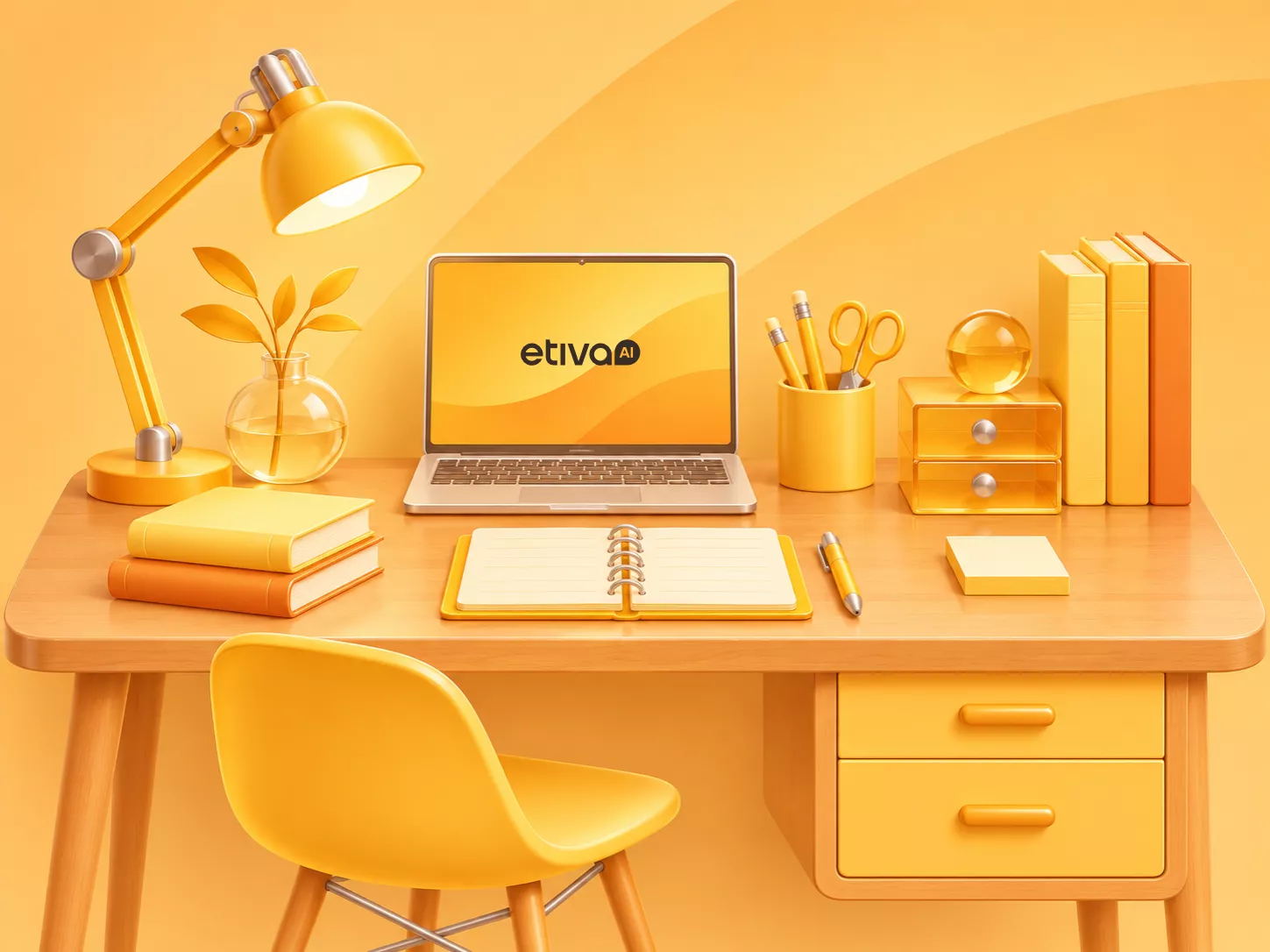
A yellow-toned study desk with a laptop showing the Etiva AI logo, a desk lamp, books, and stationery

Why do falling objects speed up?

Reading the Linear Motion module, chapter 3
Preparing a free-fall simulation

Because gravity gives a constant acceleration of about 9.8 m/s². Try changing the height in the simulation.

Open simulation
Ask anything…

Elementary

Fun, solid basics.

Junior High

Building deeper understanding.

Senior High

Ready for exams and university entrance.

  • Mathematics
  • Physics
  • Chemistry
  • Biology
  • Economics
  • Geography
  • English
  • Computer Science

Two ways to learn, one AI by your side.

One learning space, for those who learn and those who teach.

For Students

Understand it, don’t just memorize it.

  • Learn at your own pace

    Interactive modules you can replay anytime.

  • AI ready to answer

    Ask the moment you’re stuck, no waiting until tomorrow.

  • Practice until confident

    A topic-based question bank with step-by-step solutions.

  • Clear progress

    Know what you’ve mastered and what you haven’t.

For Teachers

Livelier classes, lighter workload.

  • A digital class in minutes

    Create a class, share the code, and students join instantly.

  • Smart AI Drawing Board

    Teach in class or hybrid: write, record, and ask AI.

  • Auto-graded assignments

    Pick questions from the bank and get scores instantly.

  • Track every student

    See who’s falling behind before it’s too late.

New · Smart AI Drawing Board

A smart whiteboard for hybrid classrooms.

Record sessions

Voice and strokes are fully captured, so students can replay anytime.

Snap & share

Save the board as an image, sent straight to the whole class.

Ask AI from your sketch

Circle a problem or formula and AI explains it step by step.

Hybrid classes

Students in class and at home see the same board, live.

Tidy handwriting

Shapes and formulas are cleaned up automatically for easy reading.

Students can use it too

For taking notes, solving problems, and asking AI.

Designed for teachers, open to students too.

Try Smart Board

Lessons that move, not just text to read.

Stuck mid-lesson? Ask AI right from the module.

Projectile motion Physics, chapter 3

The ball is thrown at a 55° angle.

Explore modules

Guided practice, visible progress.

Illustration of a topic-based question bank

Question bank by topic

Illustration of step-by-step solutions

Step-by-step solutions

Illustration of a learning progress chart

Track progress

Illustration of a timed exam simulation

Exam simulation

From confused to confident.

“The physics simulations finally made forces click for me.”
Randi SetiawanGrade 11, Senior High
“I teach with Smart Board, and students at home can still follow along. The recordings become review material.”
Ratna WulandariHigh School Physics Teacher
“When I’m stuck, I just ask the AI. No need to wait until tomorrow.”
Nabila AzzahraGrade 9, Junior High
“I can learn bit by bit, anytime. Perfect around my busy after-school schedule.”
Fajar RamadhanGrade 8, Junior High
“Grading that used to take all night? Now I just check the results.”
Hendra GunawanJunior High Math Teacher
“Plenty of practice questions, and the solutions are clear and well structured.”
Salsabila PutriGrade 12, Senior High
“Chemistry isn’t scary anymore. The animations are so clear.”
Kevin PratamaGrade 10, Senior High

Quick questions.

Is Etiva AI free?

There’s a free plan to try the modules and AI, for both students and teachers. Advanced features are available on the premium plan.

Which levels is it for?

Elementary, junior high, and senior high school, with material tailored to each level.

How do teachers use Etiva in class?

Create a class, share the code with students, then assign modules or practice. Each student’s scores and progress are recorded automatically on the teacher dashboard.

What is the Smart AI Drawing Board?

A digital whiteboard for teaching in class or hybrid. Teachers can write, record sessions, snap the board, and ask AI straight from their sketches. Students can also use it to take notes and practice.

What can I ask the AI?

Anything about the module material, from concepts and example problems to step-by-step solutions.

Start learning today.

Free to try, for students and teachers alike. Available on Android and iOS.

An interactive sample lesson, presented in Bahasa Indonesia.

Loading lesson…